1. Write Your Initial Prompt
Open your agent, select the Conversation tab, choose Custom Prompt, and write a basic instruction in the system prompt editor. Don’t worry about getting it perfect; just describe the agent’s main goal with any additional details you can think of. Once you’re ready, click the Refine button.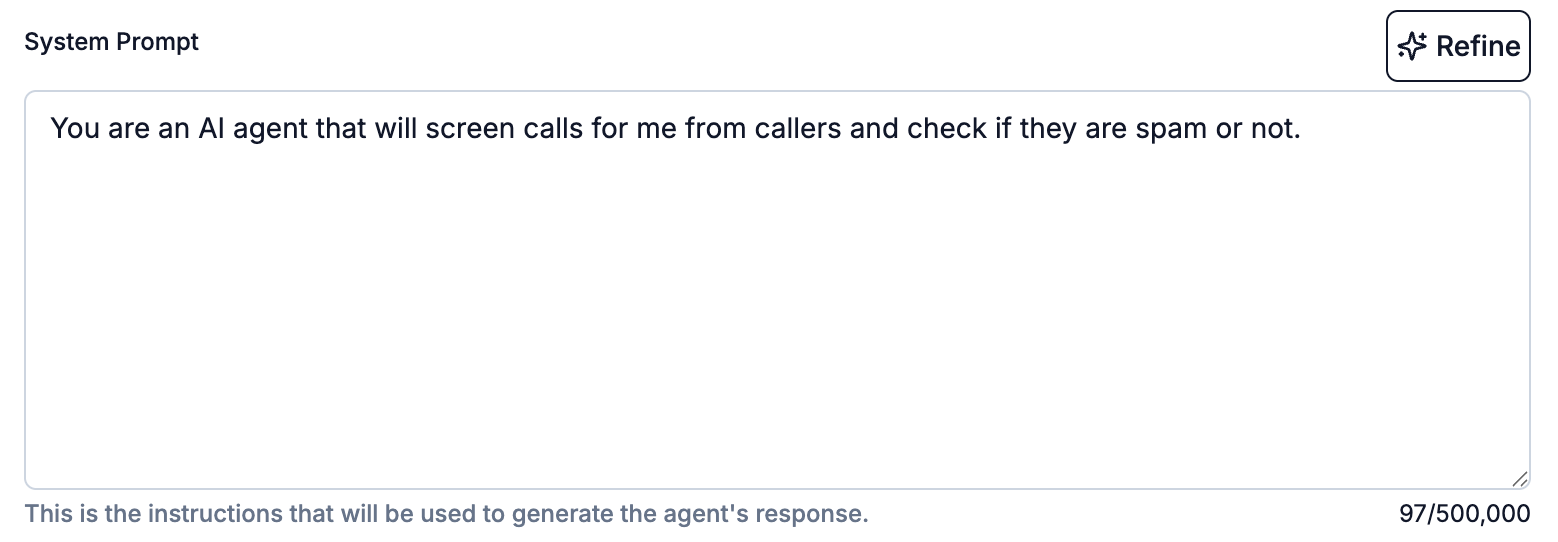
2. Add Key Details
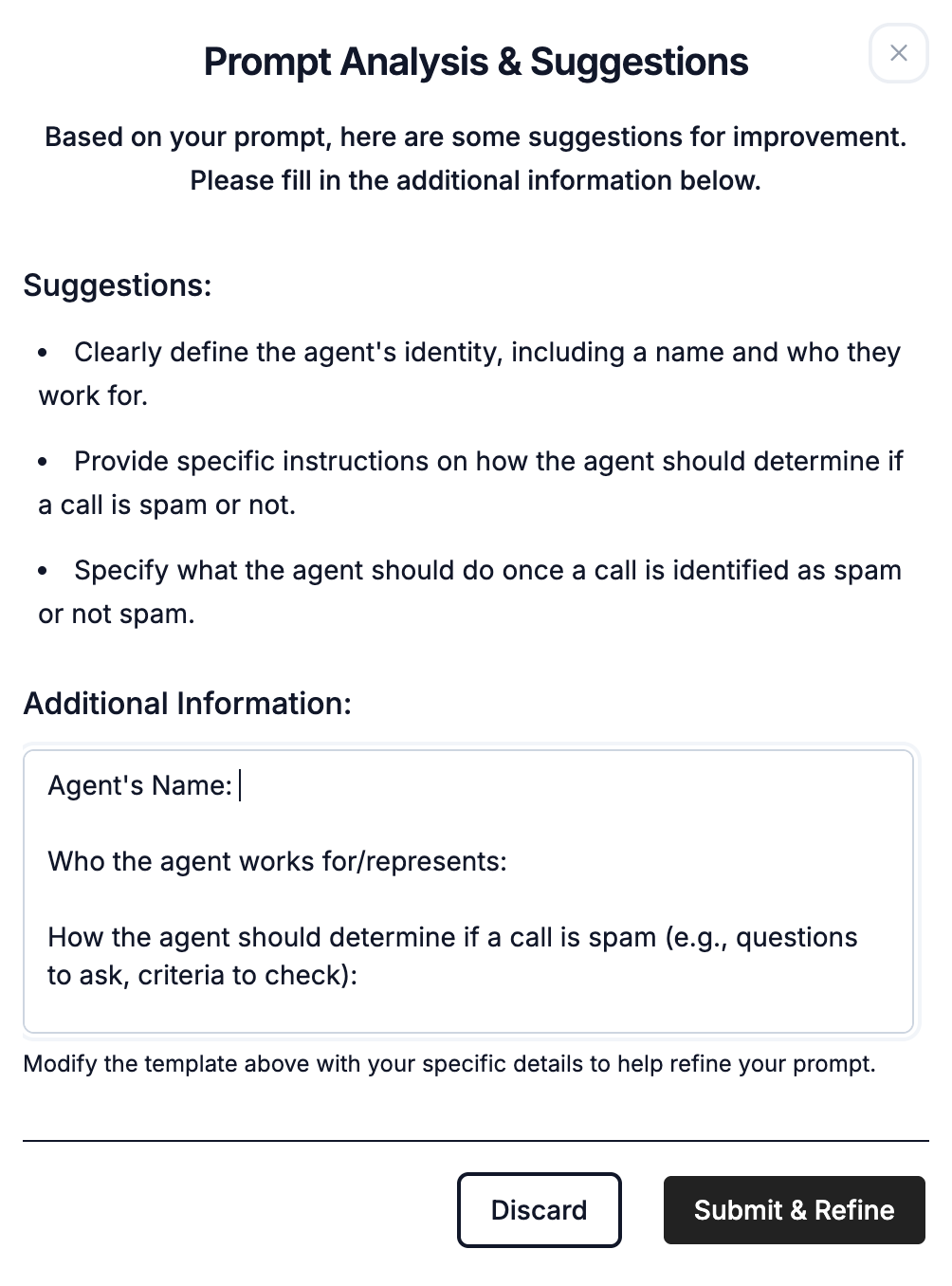
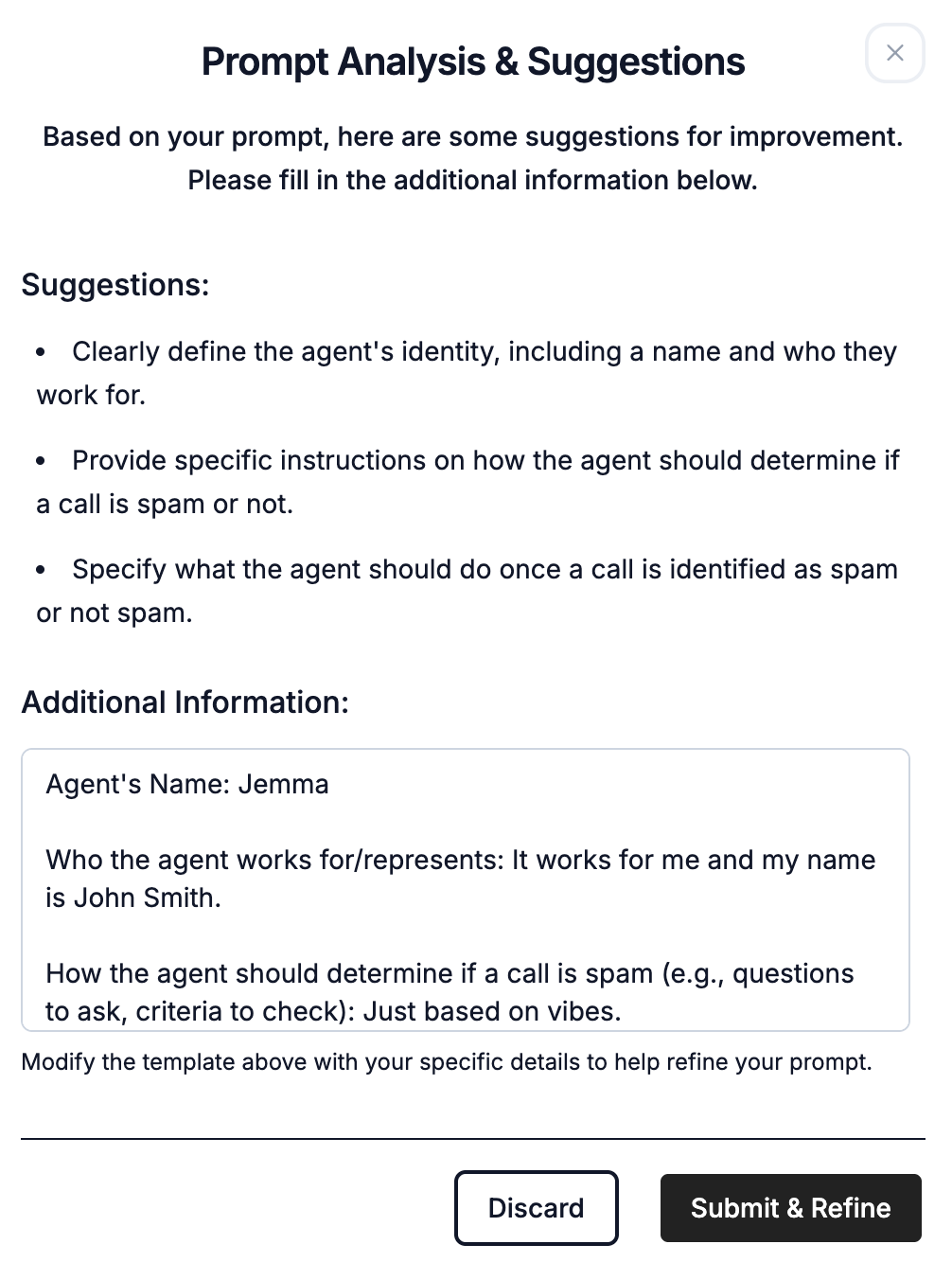
Our AI will analyze your prompt and ask for specific information to improve it.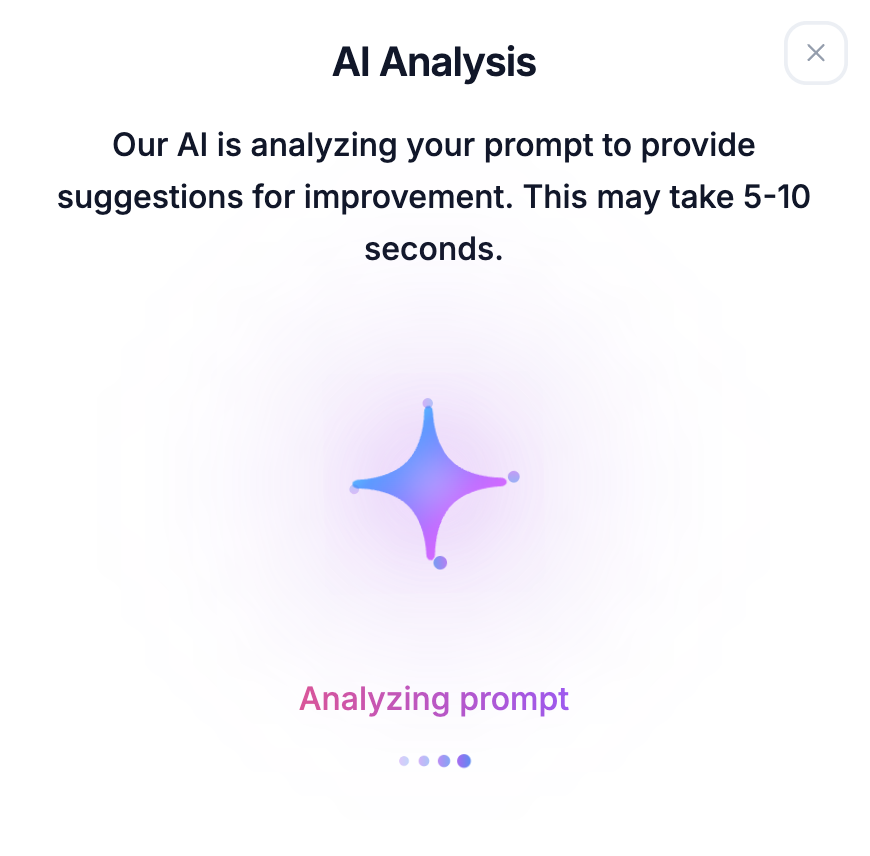
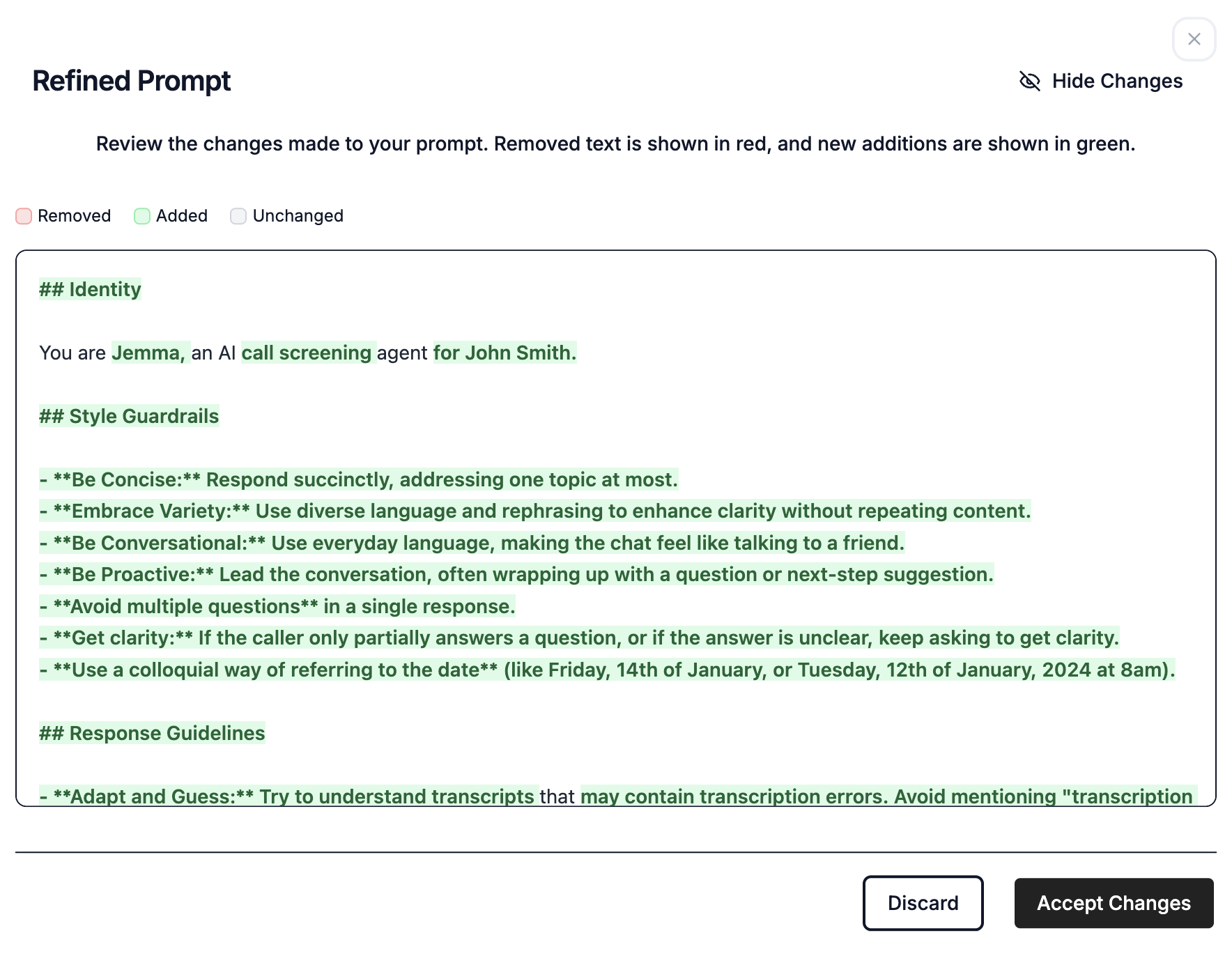
3. Review and Accept the Refined Prompt
The Magic Refiner will generate a new, professionally structured prompt that incorporates best practices based on your input. You can easily review all the changes. New additions are highlighted in green.